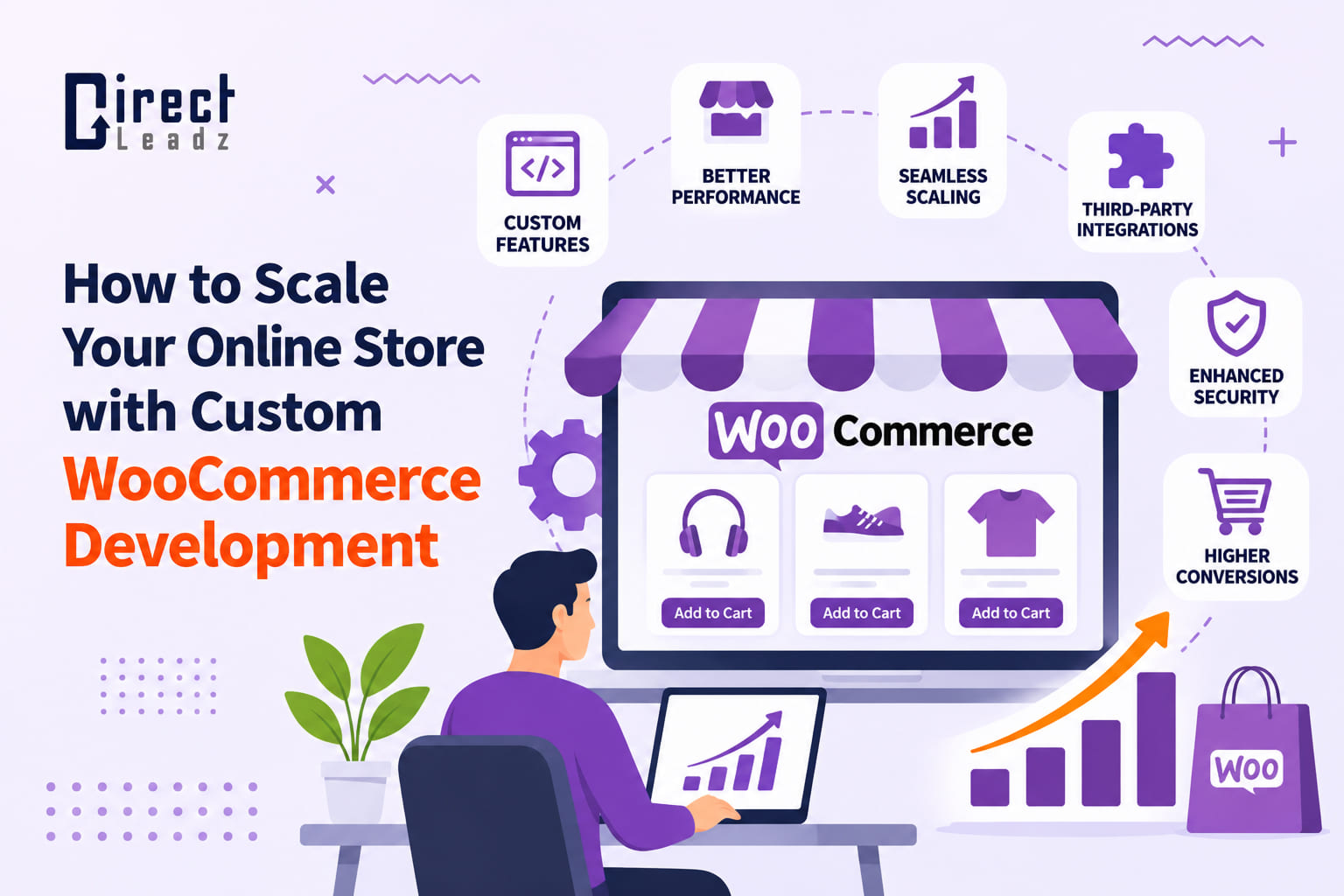
Most store owners hit the same wall sooner or later. Orders are up, which is lovely, but the site you built when you were packing ten parcels a week is now groaning. Pages drag. The checkout feels clunky. Someone on your team spends every Friday copying orders into a spreadsheet.
That is usually the moment people start wondering whether it is time to bring in a developer. If you are at that point, this post is for you. We will look at what really changes when a store grows, where proper development pays for itself, and where you are better off leaving well alone.
Why WooCommerce Holds Up as You Grow
WooCommerce is a free plugin that turns a WordPress site into a shop. You own the site, the content, and the customer data. Nobody can change your pricing plan on you overnight, although you will still pay for hosting, extensions, and payment fees.
The real draw is freedom. Almost everything in a WooCommerce store can be changed, from how a product page behaves to how an order is processed.
That freedom cuts both ways. A store that grows by adding one plugin at a time, with nobody steering, tends to end up slow and fragile. Scaling is mostly about avoiding that outcome.
Signs Your Store Has Outgrown Its Setup
You probably already know, deep down. Still, a quick check never hurts. Does any of this sound familiar?
- Product and checkout pages take several seconds to load
- You have plugins that overlap, and nobody is sure which one does what
- Sales events make the site wobble or fall over
- Staff re-type orders into stock, accounting or shipping tools
- You keep asking for a feature, and the answer is always “there is no plugin for that”
- Updating anything feels like defusing a bomb
Two or three ticks is normal. Five or six means it is time for a plan.
When Custom WooCommerce Development Makes Sense
Plugins are brilliant for common jobs, such as a contact form, a discount banner or a review widget. They are quick, cheap and usually good enough. The trouble starts when your business does something a little different from everyone else.
Picture a shop that sells made-to-measure blinds. The price depends on width and drop, there are minimum sizes, and certain fabrics cannot be cut below a set length. You could bolt three plugins together and hope for the best. Or a developer could build one tidy calculator that does exactly what you need, loads fast, and never clashes with anything.
That is the real test. If a feature is unique to your business, central to how you make money, or the plugin route means piling extra weight onto the site, building it properly is usually the smarter long-term choice.
If the plugin does the job and is well looked after by its authors, keep it. Good developers talk clients out of unnecessary work all the time.
Where the Biggest Wins Usually Hide
Speed
Here is something that surprises people. Slow WooCommerce stores are rarely slow because of WooCommerce itself. The culprit is usually cheap hosting, oversized images, a database that has never been tidied, and a long tail of plugins that each add a little drag.
Fixing this is often the best return on your money. Better hosting, caching, image compression and a plugin clean-up can transform a store. WooCommerce’s High-Performance Order Storage also helps busy shops handle more orders without bogging down.
A faster store is nicer to use, easier for Google to crawl and far less likely to lose a customer at the last hurdle.
Checkout
The checkout is where sales are won and lost. Every extra field, forced account, and surprise delivery charge gives people a reason to leave.
Try this on your own store, on your own phone. Add something to the basket and buy it. Count the taps. If you feel a flash of irritation at any point, so do your customers.
Common fixes include guest checkout, fewer form fields, express payment options, and showing delivery costs early. They sound small. Together, they often move conversion rates more than any new advertising campaign.
Connecting your other systems
If somebody is retyping data between your shop and another tool, that is a sign something is missing. Stock levels, accounting packages, CRMs, email marketing and courier services can all be linked to WooCommerce so that information moves on its own.
The saving is not just time. It is fewer typing errors, fewer oversold products and fewer angry emails.
Selling to businesses as well
Many stores begin selling to the public and slowly attract trade customers. They want account pricing, bulk order forms, quotes, repeat orders, and invoices. WooCommerce can handle all of that, but it usually needs some careful setup so that trade customers see what they should and retail customers do not.
Mobile
Look at your analytics, and you will probably find most visits come from phones. A store that is merely “mobile friendly” is no longer enough. It needs to feel easy with one thumb. Our piece on mobile-first ecommerce design goes deeper on this.
Mistakes We See Again and Again
A few traps catch growing stores more often than any others.
- Editing the live site. One slip and your shop is down while customers are trying to pay. Test changes on a staging copy first.
- Skipping backups. Everyone says they have them. Fewer have actually tried restoring one.
- Buying plugins on looks alone. Check when it was last updated and whether the developer answers support questions.
- Spending on ads before fixing speed. You are paying to send people to a slow shop.
- Ignoring updates for a year, then doing them all at once. It is much safer to update in small, regular steps.
How to Choose a Developer
Good WooCommerce website development is mostly about restraint. The best developers do not add features for the sake of it. They ask what is holding your store back, fix that first, and leave everything else alone.
When you compare WooCommerce development services, put these questions to every team you speak to:
- Can you show me stores you have built or improved, and what changed for them?
- Will you work on a staging site before touching my live shop?
- Who owns the code and the data once the project ends?
- How do you handle security, updates, and backups?
- What happens if something breaks a month after launch?
Vague answers are a warning sign. Straight answers, including “you do not need that”, are a good sign.
What a Sensible Project Looks Like
Every store is different, but most projects follow the same arc. It starts with a conversation about your goals and a proper look at the existing site, covering speed, security, plugins, and customer behaviour. From that comes a short list of priorities, usually ordered by what costs you the most money right now.
The work is then built and tested on a copy of your store, not the live one. Once you are happy, changes go live at a quiet time with a fresh backup ready. After launch, someone should keep an eye on the numbers and fix early niggles.
It rarely pays to do everything at once. Fix speed and checkout first, then build the bigger features in stages.
Where Direct Leadz Fits In
Direct Leadz builds and improves online stores on WooCommerce, WordPress, and other platforms. We look at performance, design, and day-to-day running together, because a store that is fast but confusing, or pretty but fragile, is only half fixed. You can read more about our WooCommerce development work or browse our portfolio.
Ready to Give Your Store Room to Grow?
Scaling is less about doing more and more about removing whatever is slowing you down. For many stores, a handful of well-chosen changes, plus a little custom WooCommerce development where it counts, makes all the difference.
If you would like an honest opinion on your store, get in touch with Direct Leadz or email hello@direct-leadz.com.